
Your DMARC Reports, Decoded: What They're Telling You (in Plain English)
If you've switched on DMARC reporting, you've probably got a folder full of zipped XML files you've never opened. That's normal. But they're showing you which servers are sending email in your name, and it's worth knowing how to listen.
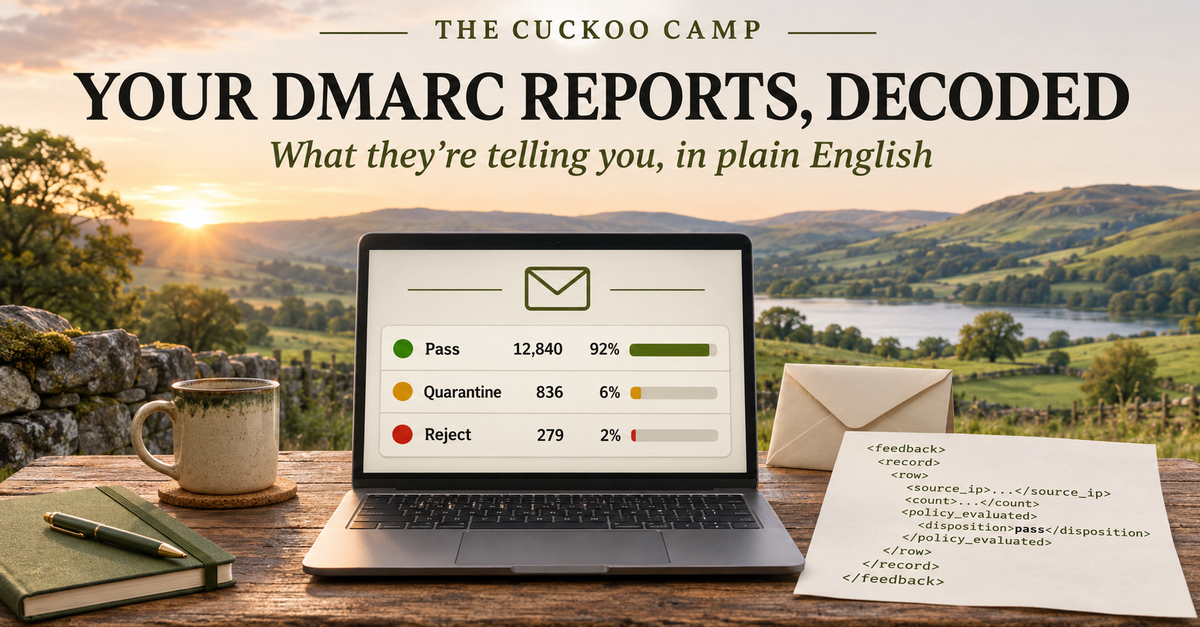
I had a good conversation recently with someone whose DMARC reports were full of spoofed mail. It’s a question I’ve been asked in one form or another for most of the 20-odd years I’ve been running mail systems: “I’ve got these reports. What am I supposed to do with them?”
So here’s my plain-English guide.
What the reports actually are
When you publish a DMARC record for your domain, you can include a reporting address (the rua= part). Participating mailbox providers, including Google, Microsoft and Yahoo, can then send you a summary, usually once a day, of mail they’ve seen claiming to come from your domain. Reports aren’t a complete view of every receiver, and missing reports don’t mean nobody is spoofing you.
These are called aggregate reports. They usually arrive as compressed XML files attached to an email. They don’t contain message bodies or subject lines. They contain counts and delivery metadata: which server sent mail in your name, how much, which domains were checked, and whether the checks passed.
That’s what makes them so useful. They give you visibility into mail sent as you that won’t appear in your own sending logs.
How to read one
Open one up and, beneath some header information about who sent the report and for what date range, you’ll find one or more records like this. (This is an illustrative excerpt in the older RFC 7489 report format, which you may still encounter, not a real report.)
<record>
  <row>
    <source_ip>203.0.113.45</source_ip>
    <count>12</count>
    <policy_evaluated>
      <disposition>none</disposition>
      <dkim>fail</dkim>
      <spf>fail</spf>
    </policy_evaluated>
  </row>
  <identifiers>
    <header_from>example.com</header_from>
  </identifiers>
  <auth_results>
    <spf>
      <domain>mailer.example.net</domain>
      <result>pass</result>
    </spf>
  </auth_results>
</record>
Taking it a line at a time:
| Field | What it tells you |
|---|---|
source_ip |
The server that connected to the reporting receiver. That might be the original sender or a forwarder. A reverse DNS or IP registration lookup can help identify its operator, but doesn’t prove who sent the message. |
count |
How many messages share the results in this record during the report period. Here, 12. |
header_from |
The domain in the “From” line people see. That’s your domain. |
auth_results |
Shows the raw checks. Here, SPF passed, but for mailer.example.net, not for example.com. |
policy_evaluated |
The bit that matters. Both DKIM and SPF show fail here, because DMARC doesn’t just ask “did a check pass?” It asks “did a check pass for the domain in the From line?” That’s called alignment. SPF passed for someone else’s domain, so for DMARC purposes it doesn’t count. |
disposition |
The DMARC action the receiver reported. none means no DMARC quarantine or rejection was applied. It doesn’t prove inbox delivery: other spam and security checks still apply. |
For a message to pass DMARC, you need at least one of SPF or DKIM to pass and line up with your From domain. With the default relaxed alignment, a subdomain such as mail.example.com can align with example.com; strict alignment requires an exact match. DKIM often survives forwarding where SPF doesn’t, provided the signed parts of the message aren’t changed.
The three kinds of sender you’ll find
Once you start reading, almost every source falls into one of three groups.
1. Your own mail. Your main email provider, passing and aligned. That’s the good news, and it should be most of your volume.
2. Things you’d forgotten about. This is where most people get a surprise. The newsletter tool. The CRM. The contact form on the website. The accounts package that emails invoices. The booking system. These are all legitimately sending as you, but they’re often failing DMARC because their DKIM signing or SPF setup doesn’t align with your From domain. Adding a provider to SPF alone won’t fix alignment if it uses its own unrelated bounce domain. These are the ones to fix before you tighten your policy, or you’ll block your own mail.
3. Possible forgers. Unfamiliar servers failing DMARC deserve investigation, but geography and failed checks aren’t proof of abuse. Legitimate forwarding and mailing lists can also break authentication. Check the source and any policy-override reasons before deciding it’s spoofing. You can’t stop a forger sending; your policy asks receivers how to handle the failed mail.
A note on bounces you didn’t cause
If you’ve ever had a flood of “undeliverable” messages about emails you never sent, that’s usually backscatter. Someone used your address as the envelope sender (the bounce address), and a system accepted the message before later sending a delivery-failure notice to you. DMARC checks the visible From domain, which can be different from that bounce address, so it isn’t a complete fix for backscatter.
From watching to protecting
A DMARC record has a policy, p=, with three settings:
p=none: request no special handling for DMARC failures. Useful for monitoring, but it doesn’t request enforcement or guarantee delivery.p=quarantine: ask receivers to treat failures as suspicious, commonly by putting them in spam.p=reject: ask receivers to refuse failures.
Receivers make the final decision using their own policies and other checks. DMARC addresses spoofing of your domain in the visible From address; it doesn’t stop lookalike domains or someone copying your display name.
Start at none, identify your legitimate senders, fix alignment and monitor before changing policy. Include infrequent sending, forwarding and mailing lists.
Don’t treat reject as an automatic destination for ordinary staff mail. RFC 9989, published in May 2026, advises against it for domains whose users may post to Internet mailing lists. If you consider it, monitor at none for at least a month, then quarantine for at least another month, and assess the impact. Infrequent mail may need longer.
Two settings need care:
pct=appeared in RFC 7489, but implementations were inconsistent. RFC 9989 removes it and introduces at=testing flag. Don’t rely onpct=25to limit enforcement to a quarter of failures, or assume every receiver supports the new flag.sp=sets an inherited subdomain policy; a subdomain’s own DMARC record can take precedence. Withoutsp, subdomains normally inheritp. Usesp=rejectonly after checking that affected subdomains don’t send legitimate mail.
One thing I see misunderstood a lot: reporting and policy are completely separate. You can request reports with rua= while using any of the three policies. You don’t have to stay on p=none to keep getting reports. Something like this is perfectly normal:
v=DMARC1; p=quarantine; sp=reject; rua=mailto:[email protected]
In fact, keep reporting switched on at every stage, especially once you’re enforcing. It’s how you spot a new service that someone has signed up to and forgotten to set up properly.
Tools that do the reading for you
Nobody should have to read raw XML every morning. These tools turn reports into readable summaries or dashboards. Prices and plan details below were checked on 2 November 2026; billing terms, currency and tax can change what you pay, so check before signing up. Follow your chosen service’s setup instructions and preserve any existing reporting addresses you still need. An external reporting destination also needs DNS authorisation at the receiving domain, which hosted services normally arrange.
- Postmark’s free DMARC monitoring: weekly email summaries showing the top 10 mail sources, with up to 5 IPs per source and 7 days of history. The free service is email-only; the web dashboard belongs to the separate paid DMARC Digests product.
- Cloudflare DMARC Management: free on all plans, including Free, with a dashboard for report analysis. Your domain must use Cloudflare DNS; it isn’t a standalone analyser for a domain whose DNS stays elsewhere. Your registrar, website and email provider can remain elsewhere. Enable it under Email → DMARC Management in your domain’s Cloudflare dashboard.
- dmarcian: free “Personal” plan for non-business domains only (up to 2 domains, 1,250 messages a month, 1 month of history). Paid plans for organisations start at USD 19.99 a month billed annually, with a 30-day free trial.
- URIports: no free plan, but a one-month free trial, and it’s inexpensive: from USD 7 a month, or USD 6 a month billed annually (with a separate USD 15-a-year plan for personal and hobby use). It’s hosted in the Netherlands, which may matter to you if you’d like your data to stay in Europe.
- EasyDMARC: a well-known platform. Its business pricing page lists paid plans; when checked, DMARC Plus was displayed at €35.99 a month billed annually. Check the currency and price shown for your region.
- parsedmarc: free and open source. It reads reports from a mailbox and feeds them into dashboards you host yourself. Ideal if you have someone technical and want to keep everything in-house.
A quick privacy note: with any hosted analyser, you point your rua= address at their servers, so a third party sees who sends mail as you. The reports contain no message content, but it’s still information about your organisation and suppliers. Pick a provider you’re comfortable with, and check where they store data. Self-hosting parsedmarc lets you keep report analysis under your control, though your mailbox, hosting and backup providers may still process the data.
Where to start
If you’re not sure whether you even have DMARC set up, or whether yours is still sitting on p=none, our free email health check will tell you in about 15 seconds. It checks your domain’s public configuration, there’s no sign-up, and it explains the results in plain English. It doesn’t read your email or analyse your DMARC report history, so use a reporting tool alongside it.
And if you open your first report and it doesn’t make sense, that’s fine too. That’s what I’m here for.
Is your DMARC actually protecting you?
Check your own domain in about 15 seconds. We'll tell you, in plain English, whether DMARC is just watching or actually doing its job. No sign-up needed.